

QuantConnect Lean CLI
The Lean CLI is a cross-platform command-line tool for developing, backtesting, debugging and optimizing trading-strategy code against the open-source LEAN engine, locally or in the cloud.
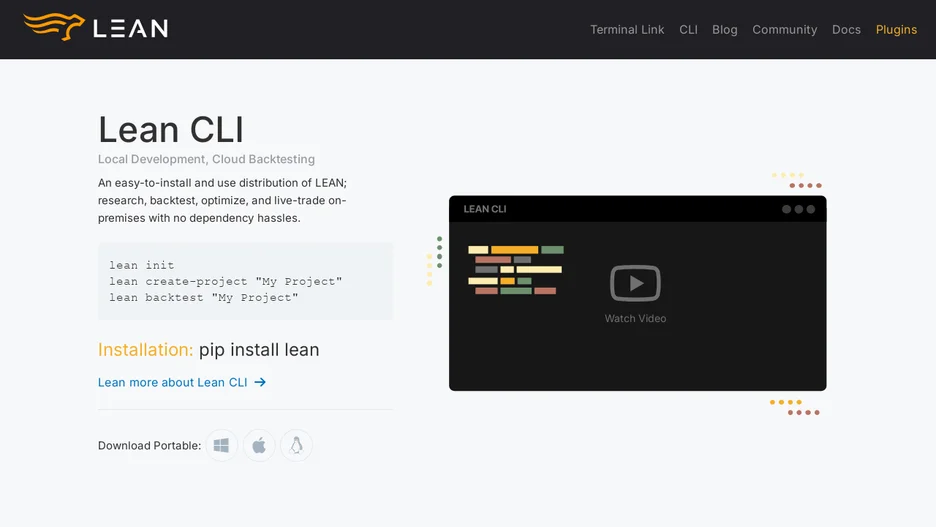
The Lean CLI supports developing against the open-source LEAN algorithmic trading engine, either entirely locally or split between local development and cloud execution. Local capabilities include project scaffolding, autocomplete, downloading sample and historical data, backtesting, debugging, a research environment, parameter optimization, live trading and backtest report generation; most of these commands require Docker to run the engine itself.
Cloud capabilities mirror the local ones and add project synchronization between a local checkout and the QuantConnect cloud, so a typical workflow develops strategy code locally and pushes it to the cloud to run a backtest, opening the results in a browser when finished. It installs and updates via pip install lean, and lean init downloads the configuration file and sample data a project needs before running any other command.