

GitHub Copilot CLI for Beginners
A hands-on course that teaches developers to use GitHub Copilot CLI for code review, test generation, debugging, and workflow automation from the terminal.
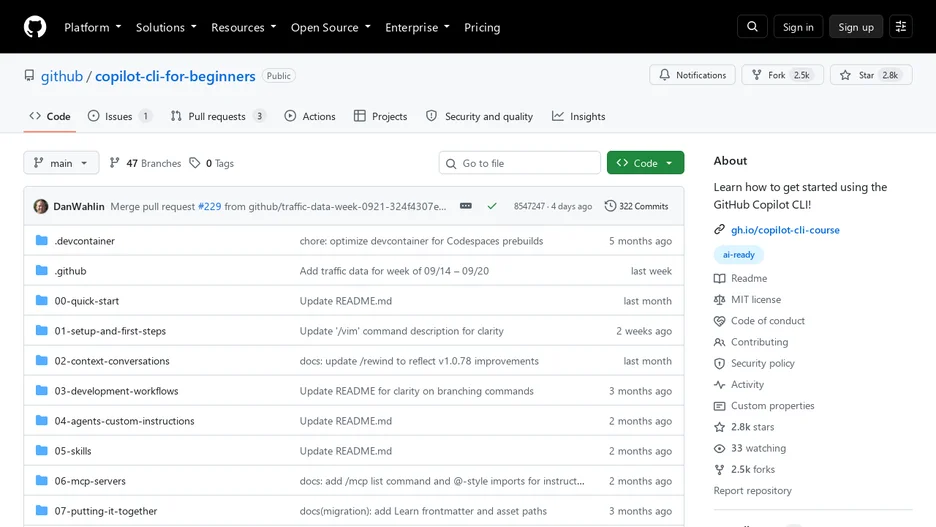
GitHub Copilot CLI for Beginners is a course that teaches developers to bring AI assistance into their terminal using GitHub Copilot CLI, instead of switching to a browser or editor to ask questions, generate applications, review code, or debug issues. It assumes no prior AI experience, only basic terminal familiarity.
The course works through a single Python book-collection application across all its chapters, progressively improving it with AI-assisted workflows so a learner practices reviewing code, generating tests, debugging, and automating tasks on a realistic, evolving codebase rather than disconnected snippets. It also explains where GitHub Copilot CLI fits relative to the wider Copilot family, including the IDE-based Copilot, Copilot on GitHub.com, and the cloud coding agent.
It is distributed as course material under the MIT license.