

locca
A terminal UI around llama.cpp for running, managing and benchmarking local GGUF models, with a setup wizard tuned for iGPU-class hardware and a launcher for the pi coding agent against the local server.
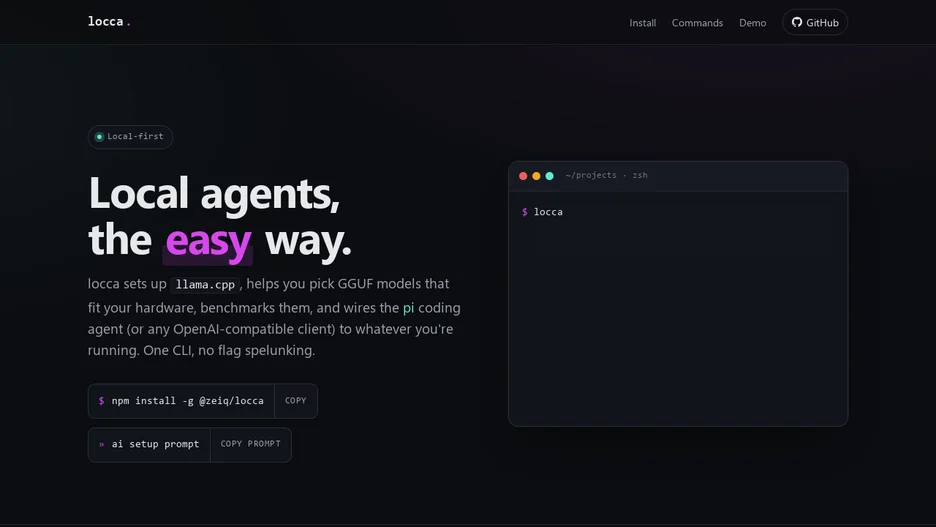
locca is a terminal UI around llama.cpp for running, managing and benchmarking local GGUF models and launching the pi coding agent against the resulting local server. It runs on Linux and macOS against any GPU backend llama.cpp supports, including Vulkan, Metal, CUDA or ROCm, or CPU only, with defaults tuned for integrated-GPU-class hardware such as a quantized KV cache, a single slot and a batch size of 1024, so a 7B to 9B model with 128k context fits on a 16 GB shared-VRAM iGPU.
Its setup wizard asks for a models directory, checks that the llama.cpp server is on the system path and prints the install command for the detected Linux distribution or Homebrew if it is missing, sets server defaults such as port, context length, threads and a VRAM budget tier, and offers a catalog-aware first-model picker that shows whether a given model size fits the detected hardware before downloading it. Once a server is running, an api command prints the OpenAI-compatible connection details, every available endpoint and a ready-to-use curl command, plus any reachable LAN or Tailscale URLs if the server is bound to all interfaces.
It is written in TypeScript, installed as a global npm package, and its test suite runs through node's test runner and Biome.