

M3E Canvas
A browser tool for sketching Material 3 Expressive app screens by dragging and connecting UI parts, then exporting the design as a prompt for an AI coding tool.
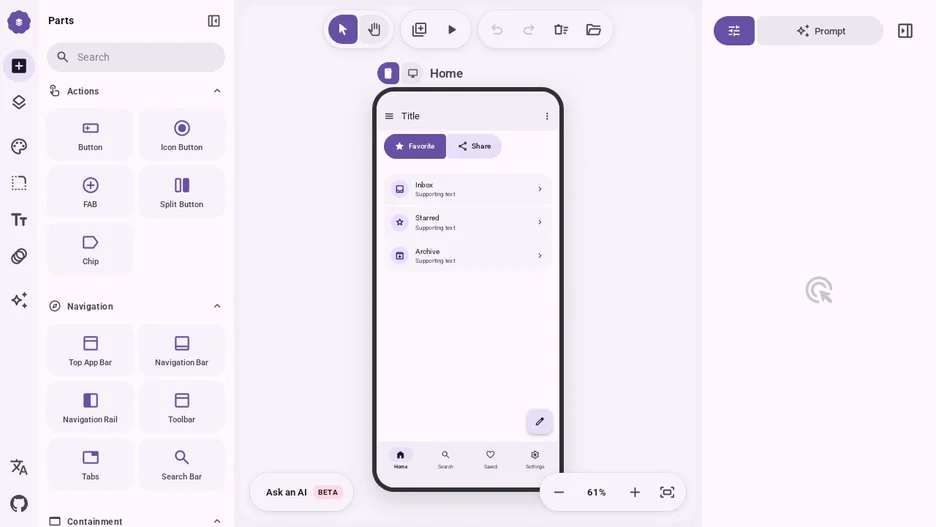
M3E Canvas lets a user sketch Material 3 Expressive screens in the browser by dragging and dropping parts such as buttons, chips, app bars, navigation bars, cards, lists, dialogs, text fields and more, all drawn to the Material 3 Expressive style, including the shape-morphing loading indicator and wavy progress indicators. Screens can be created at phone or desktop size, with layout adjusting automatically when a screen switches size.
Buttons and list items can be linked to a target screen with a chosen transition, so a preview lets the user tap or swipe through the flow before handing it off. Elements can be organized into layers and groups, and assets such as images, videos, fonts and brand logos (via an integrated svgl search) are managed per deck.
The finished design is copied as a prompt for an AI coding tool such as Claude Code, Codex, Gemini CLI or Cursor, which then writes the corresponding React code.