

MCP for Unity
A Model Context Protocol server that bridges AI assistants such as Claude, Codex and Cursor with the Unity Editor, giving them tools to manage assets, control scenes, edit scripts, run tests and automate game-development workflows.
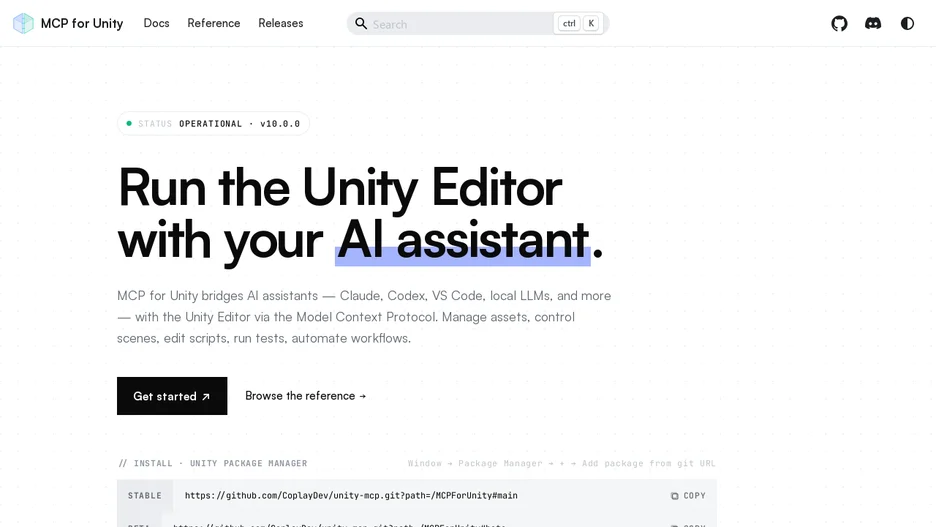
MCP for Unity bridges AI assistants, including Claude, Codex, VS Code, Cursor, Windsurf, Cline, Gemini CLI and local models, with the Unity Editor through the Model Context Protocol. It exposes 47 focused MCP tools that let a connected assistant create scenes and GameObjects, edit C# scripts, manage assets, run tests, profile a project and trigger builds, all driven from natural-language prompts sent through any MCP client.
It requires Unity 2021.3 LTS through the 6.x line and Python 3.10 or later installed via uv, and is installed as a Unity package from a git URL or through OpenUPM, then configured for detected MCP clients from within the Unity Editor. Additional features cover routing across multiple open Unity instances, grouping tools by area such as VFX, animation, UI or testing, Roslyn-based script validation, and running the server remotely with authentication.
It is free and MIT licensed; the same team also offers a separate, paid Unity and Unreal assistant called Aura.