

MCPMate
A local-first MCP management center that lets a developer import server connections once and reuse them across Claude Desktop, Cursor, Codex, Zed, VS Code and other MCP clients, with per-client tool trimming and scene profiles.
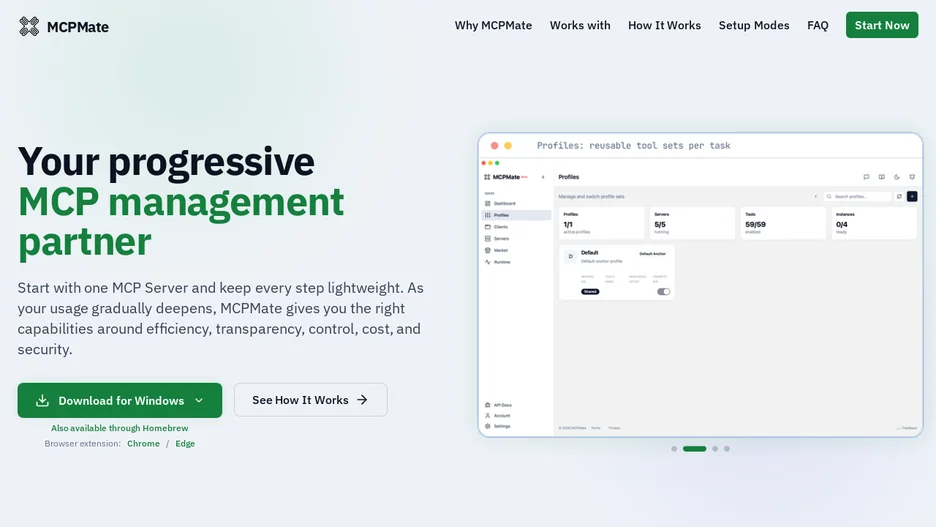
MCPMate sits between AI applications and MCP servers so that connections, environment variables and credentials are configured once instead of copied by hand into every client. Scene profiles let a user switch a full set of tools for a given activity, such as coding, writing or research, in one action, and per-client trimming shows each connected app only the tools it needs from one shared server library, reducing token use and interface clutter.
It offers three ways to connect a client to its managed servers: a transparent mode that writes native configuration files directly, a hosted mode that runs a durable proxy in front of the servers, and a unify mode that exposes a small tool surface with on-demand discovery. Core components include a proxy, a bridge, a runtime manager and a desktop app with logging, and it is delivered as a downloadable desktop app, a build from source, or an online demo; it is written in Rust and licensed under AGPL-3.0.