

Peekaboo
A macOS CLI and menu-bar app that captures screenshots, inspects accessibility elements and drives native UI automation, exposing the same tools to MCP clients.
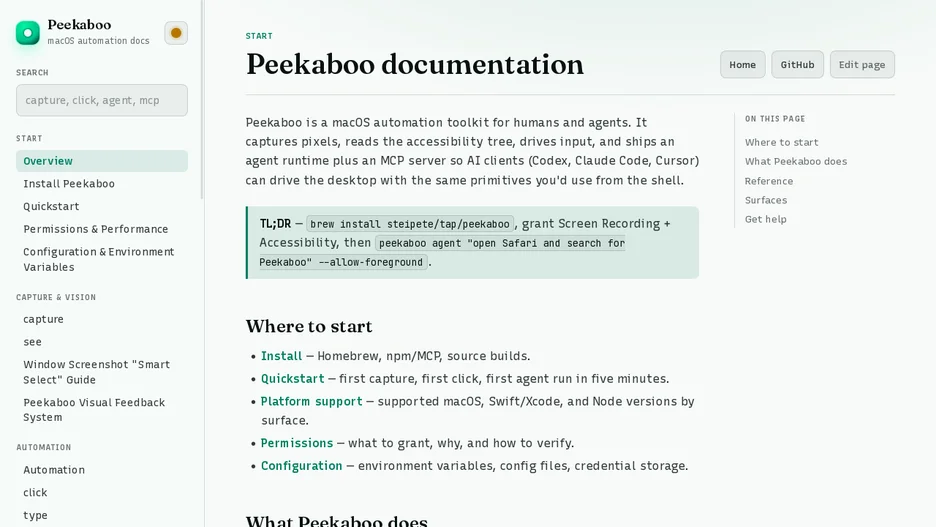
Peekaboo lets a user or an agent observe the current screen, choose an element from a structured UI map, and act on it. Its core loop is peekaboo see to capture the screen or a named app with a JSON element map, then window, click, type and press commands to automate a specific window.
It installs as a CLI through Homebrew, as an npm package that bundles the CLI plus an MCP launcher, or as a signed DMG menu-bar app that adds permission onboarding, visual feedback and agent sessions. Screen capture requires Screen Recording permission, and accessibility inspection and control require Accessibility permission; it connects to Codex, Claude Code, Cursor or another MCP client.
It is written in Swift, requires macOS 15 or later, and is licensed under MIT.