

Snip
A menu-bar screenshot and annotation app for macOS and Linux that also gives AI coding agents a visual mode, rendering diagrams and previews for a user to review and annotate on screen.
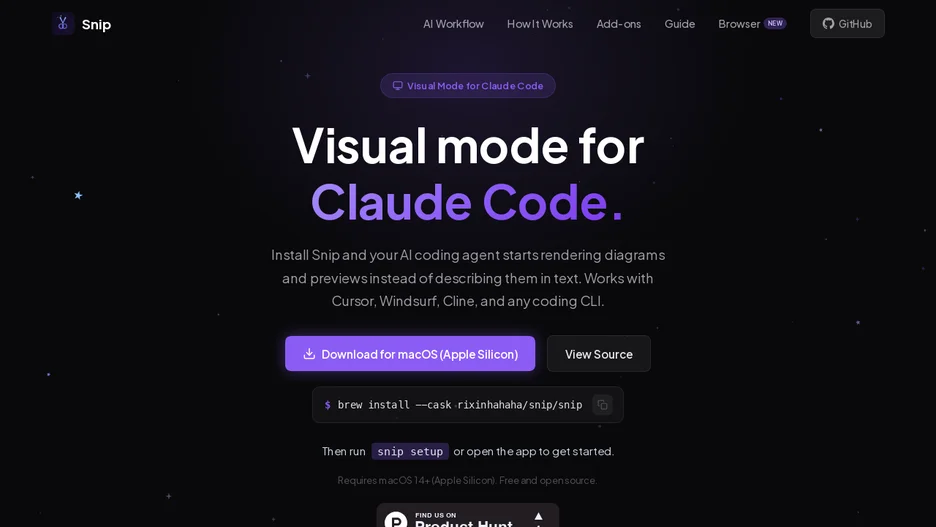
Snip is a menu-bar app that gives an AI coding agent, such as Claude Code, Cursor, Windsurf or Cline, a visual mode: instead of describing an architecture, sequence diagram, data model or UI component in text, the agent renders it, and the user reviews it on screen, circling problems or adding arrows and notes for the agent to read back.
It exposes a CLI that any coding agent can call directly to render a diagram, open an image for review, search the screenshot library, transcribe text from an image, or queue a screenshot for AI categorization, and ships an MCP server exposing the same capabilities for agents without shell access.
On its own, Snip is also a full screenshot and annotation tool, with capture shortcuts, rectangle, arrow, text, tag and blur annotations, and automatic AI naming, categorizing and tagging of saved screenshots using a local vision LLM through Ollama, plus semantic search over the screenshot library. It is built with Electron.