

kage
A command-line tool that clones a website into a folder of static HTML, CSS, images, and fonts for offline browsing, with all JavaScript stripped out.
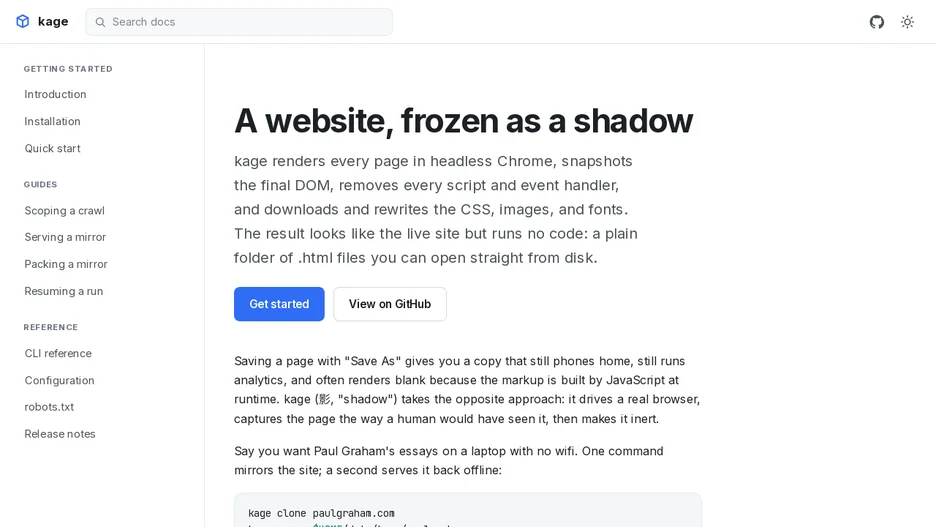
kage drives a real headless Chrome browser to open each page of a site, waits for it to finish loading, and snapshots the rendered DOM as a human would see it. It then removes every script from the page and pulls down the CSS, images, and fonts it references to local paths, so the result is a set of plain HTML files that open and look like the live site but run no code and make no network calls.
It can clone a site to disk and later serve the clone locally for offline reading, and a container image bundling Chromium is available for users who do not want to install a browser themselves. It ships shell completion for bash, zsh, fish, and PowerShell, and installs via Go, a prebuilt binary, or a package manager.