

SAS Extension for Visual Studio Code
A Visual Studio Code extension that adds SAS language support, connecting to SAS Viya or SAS 9 servers to run code with syntax highlighting, completion, and SAS notebooks.
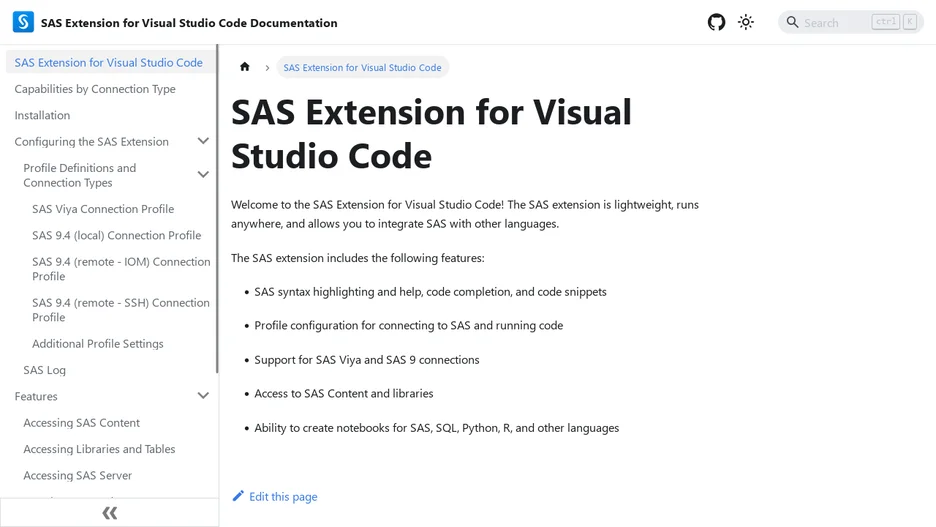
The SAS Extension for Visual Studio Code brings SAS language support into VS Code: syntax highlighting, hover help, code completion, code folding, an outline view, and code snippets, alongside the ability to connect directly to a SAS Viya or SAS 9 server, local or remote, and run SAS code against it after configuring a connection profile. It also lets you navigate SAS content and libraries, including a table viewer, and create notebooks that mix SAS with SQL, Python, R, and other languages.
The extension is described as lightweight and able to run anywhere, letting SAS be integrated alongside other languages in the same editor. Support is provided through a FAQ page, SAS's own programming documentation, a community site for peer discussion, and technical support for the current release available through the Visual Studio Marketplace; bugs, feature requests, and open-source contribution questions are tracked as GitHub issues.