

WebBrain
WebBrain is an open-source browser extension that adds an AI agent to a side panel in Chrome or Firefox, so it can answer questions about the page you're on or carry out multi-step browsing tasks using a model you choose.
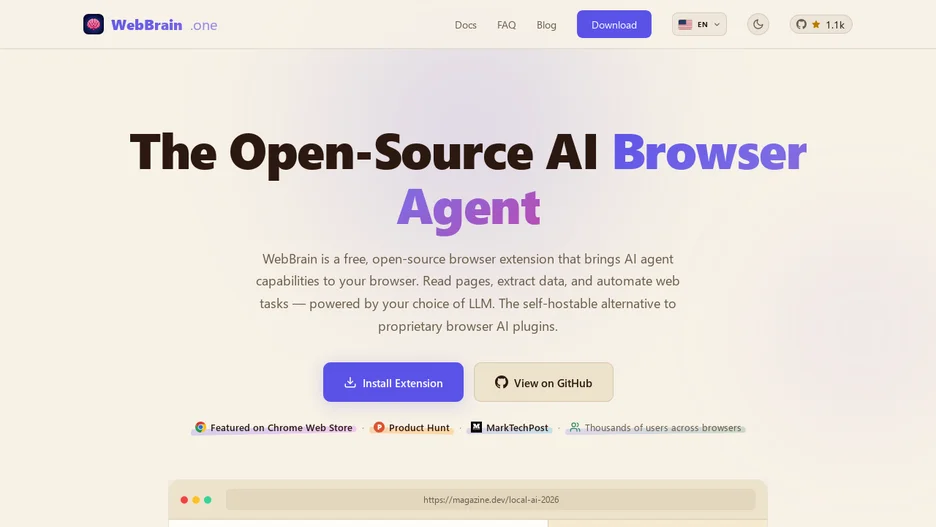
WebBrain is a browser extension that puts an AI agent in a side panel next to your tabs. It can summarize the current page, answer questions about it, find links matching a description, fill in forms, and navigate to other pages to carry out multi-step tasks.
Three modes control what the agent may do: Ask is read-only and can fetch URLs, Act can click, type, navigate, upload and download, and Dev adds page source, styles, console and network access with reversible edits. It can run against a managed default model, a local llama.cpp, Ollama, vLLM or SGLang server, or a cloud API, and installs from the Chrome, Firefox or Edge extension stores or from source.